
Database Management
At Its Finest
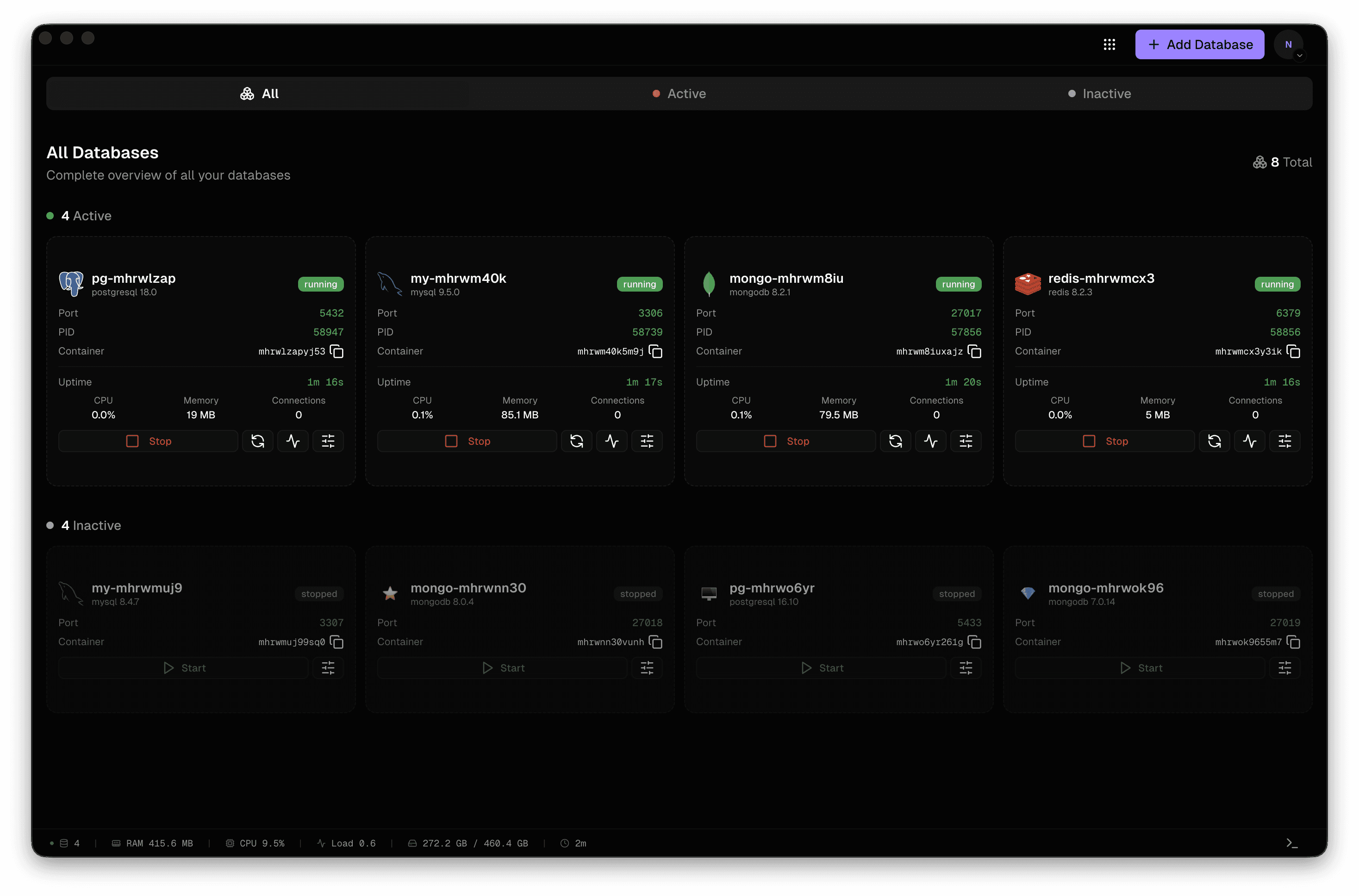
Manage PostgreSQL, MySQL, MongoDB, and Redis locally with an intuitive interface. No complexity, just databases.
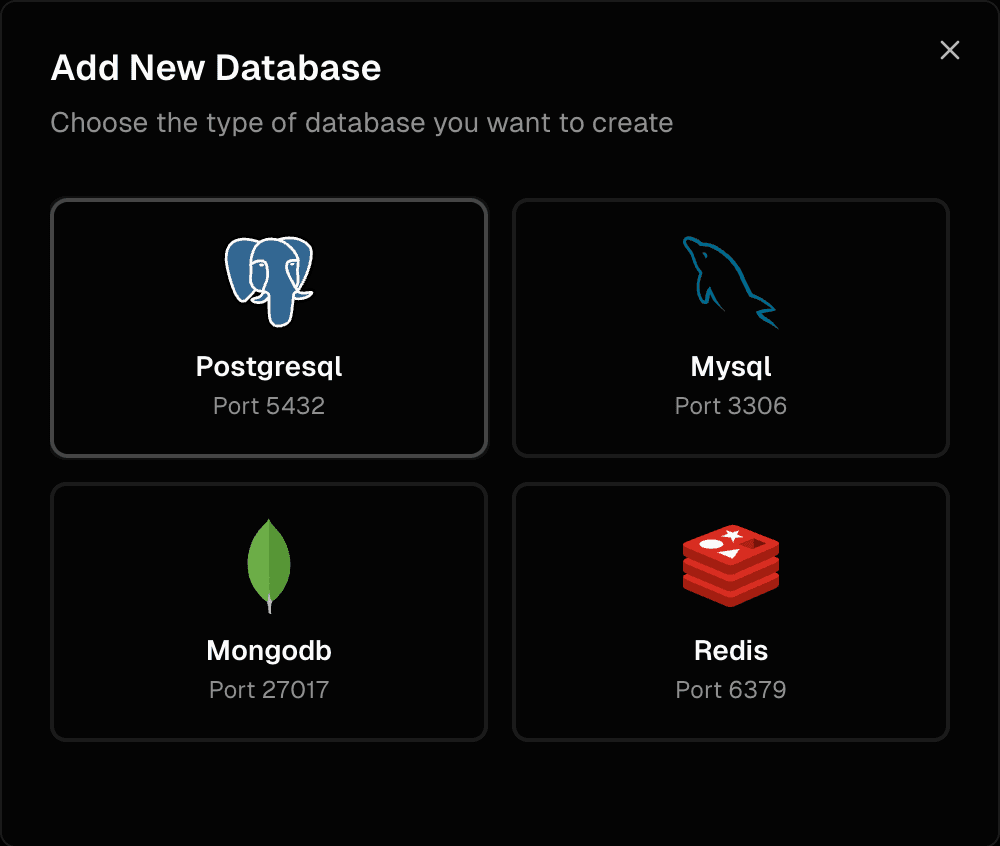
Supported Databases



more coming soon
Powerful Features
Everything you need to manage database instances with ease. From installation to monitoring, LiquiDB handles it all.
Multi-database support
Manage PostgreSQL, MySQL, MongoDB, and Redis in one place.
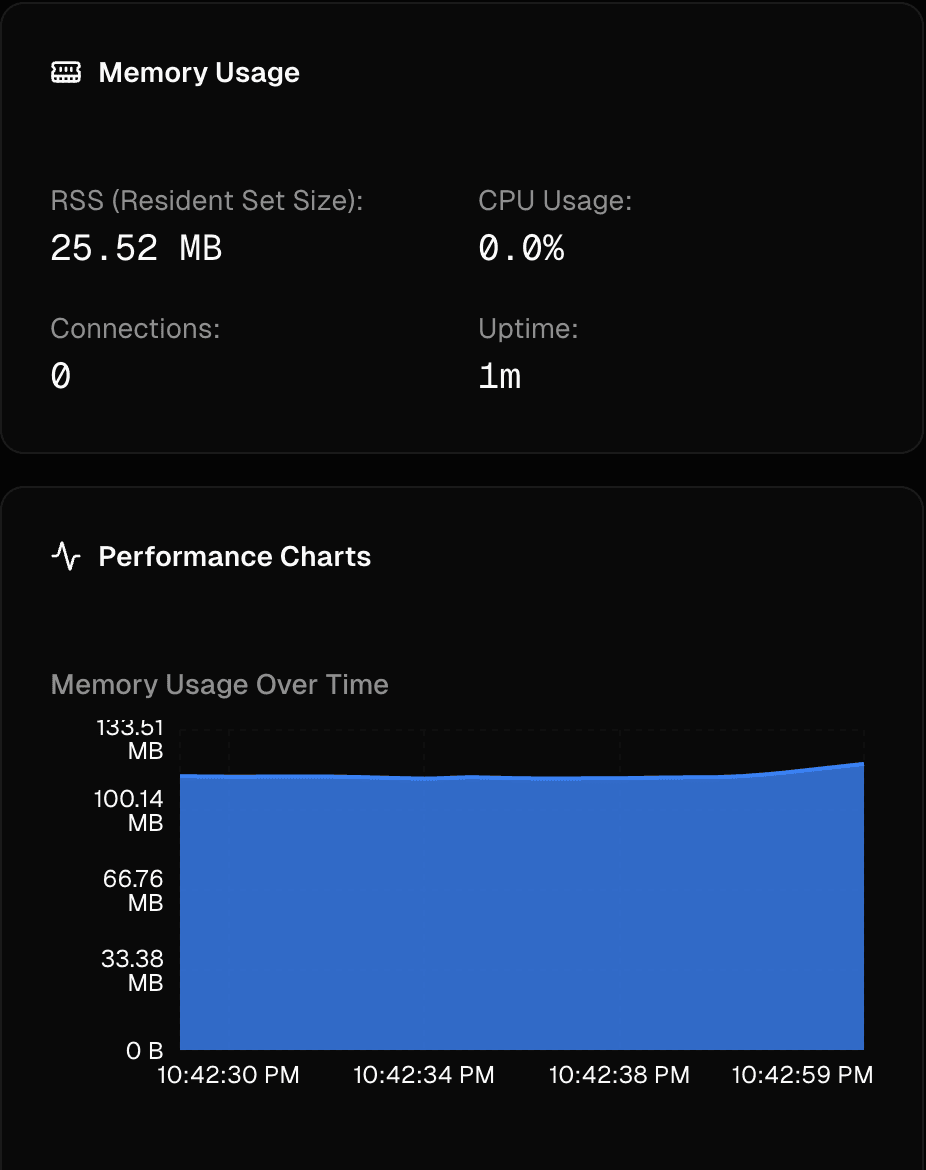
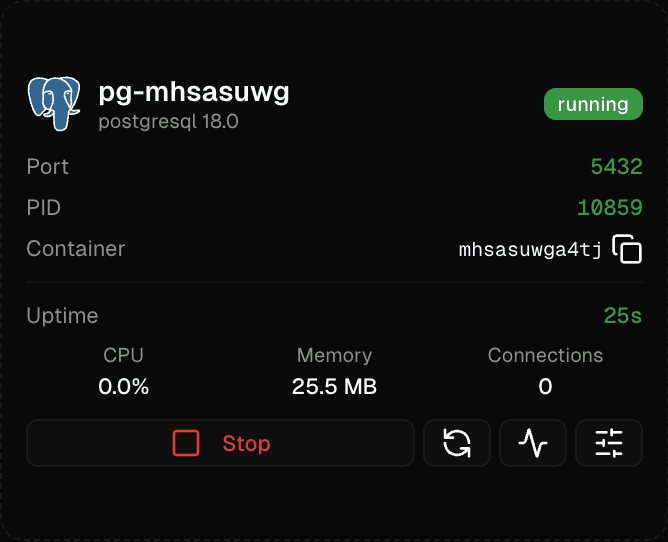
Real-time monitoring
Monitor database status, metrics, and resource usage live.
Maximum Control
Full control over database configuration, ports, and lifecycle.
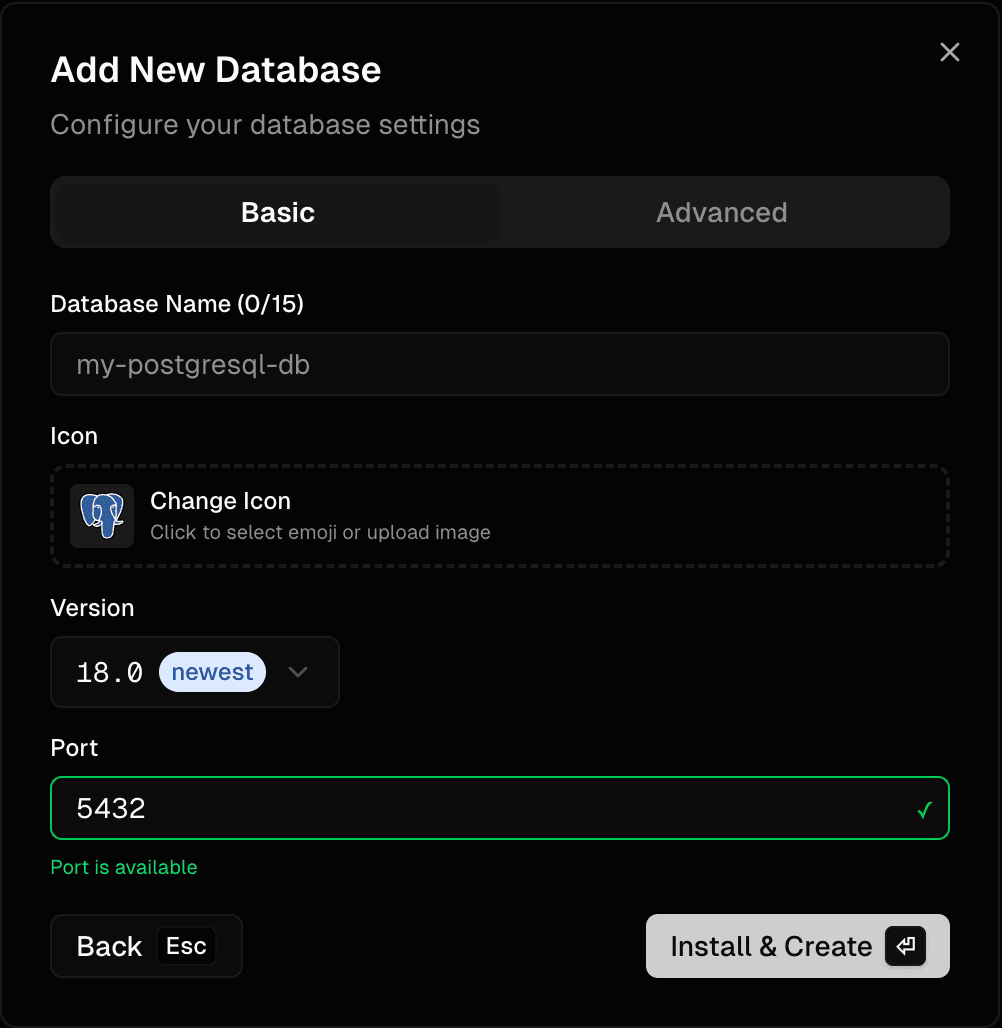
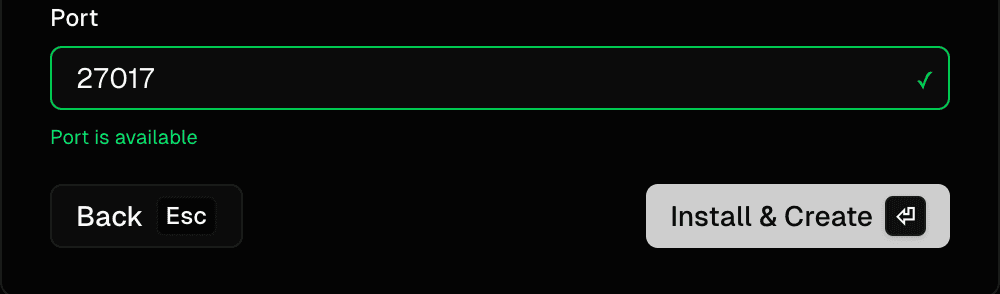
Port management
Automatic port conflict detection and resolution.
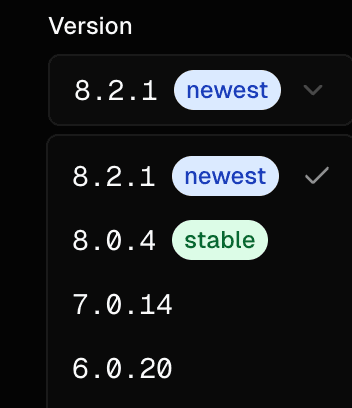
Version management
Install and manage multiple versions of each database type.
Easy installation
Straightforward installation with minimal or advanced configuration.
Frequently Asked Questions
Everything you need to know about LiquiDB
LiquiDB is a modern, lightweight desktop application for managing local database instances. It's designed for developers who need to work with multiple databases locally without the complexity of manual configuration. Perfect for individual developers, teams, and anyone who wants a unified interface to manage PostgreSQL, MySQL, MongoDB, and Redis.
LiquiDB supports four major database types: PostgreSQL, MySQL, MongoDB, and Redis. Each database type supports version management, allowing you to install and run multiple versions simultaneously. The application handles automatic installation, configuration, and lifecycle management for all supported database types.
LiquiDB automatically installs databases using platform package managers (like Homebrew on macOS). You simply select the database type and version you want, and LiquiDB handles the installation process. The application also manages database configuration, port assignment, and credential setup automatically.
LiquiDB automatically detects and resolves port conflicts. When creating a new database instance, it checks for available ports and suggests alternatives if your preferred port is in use. You can also configure banned ports that should never be used by databases, and the application will help you resolve conflicts by either changing ports or stopping conflicting processes.
Yes! LiquiDB supports version management, allowing you to install and run multiple versions of each database type at the same time. This is perfect for testing compatibility, running different projects that require specific database versions, or gradually migrating between versions.
Yes, LiquiDB is completely free and open source forever. It's available on GitHub where you can contribute, report issues, or explore the codebase. The application is available for macOS with no restrictions or premium tiers.
Ready to get started?
Download LiquiDB and start managing your local databases with ease. Free and open source forever.